Creating Media
Media objects hold the files in the archive, such as images and video, as well as PDFs.
1. Open the Media list
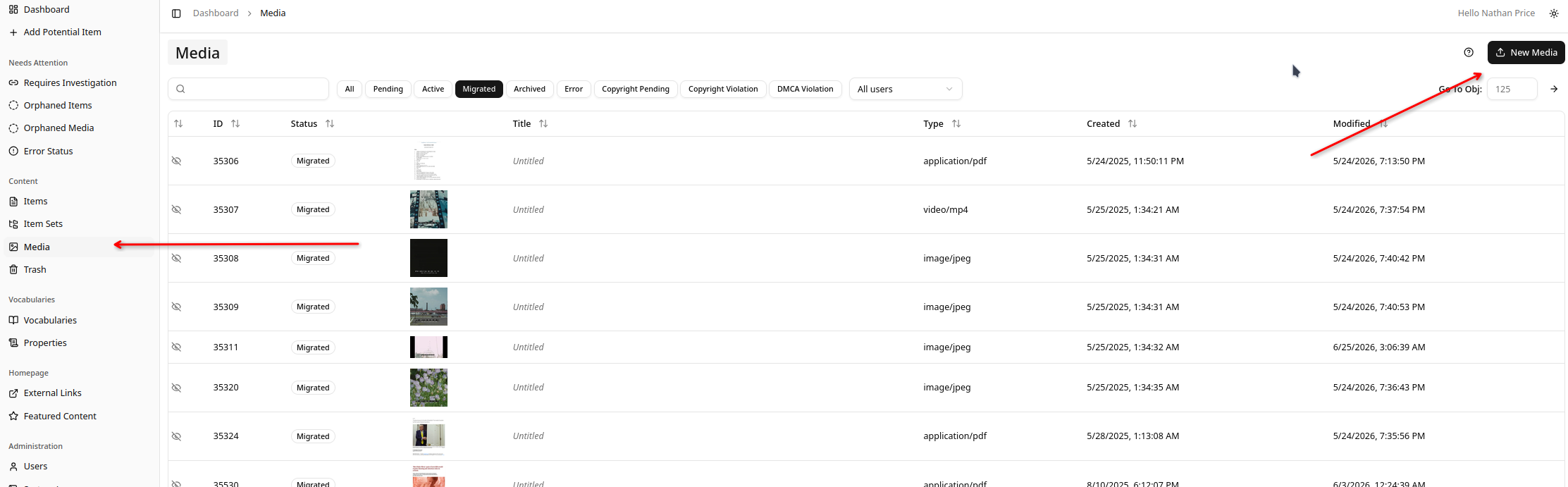
From the sidebar, go to Media, then click New Media in the top right.
2. Fill in the form
The form is split into three sections:
- Basic Information: an optional title and alt text, and the visibility.
- Classification: pick a vocabulary, then the class (see
vocabulary:class). For an
image this is
dctype:Image. - File: upload the file itself. This is required.
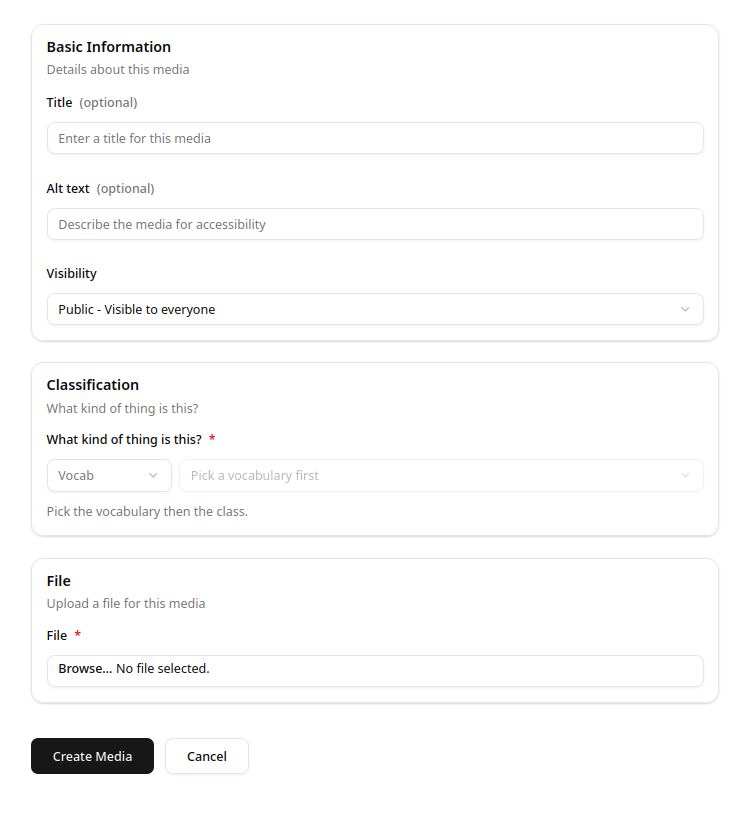
Click Create Media to finish.
Once the object exists, its metadata is added and edited in the Metadata Editor.