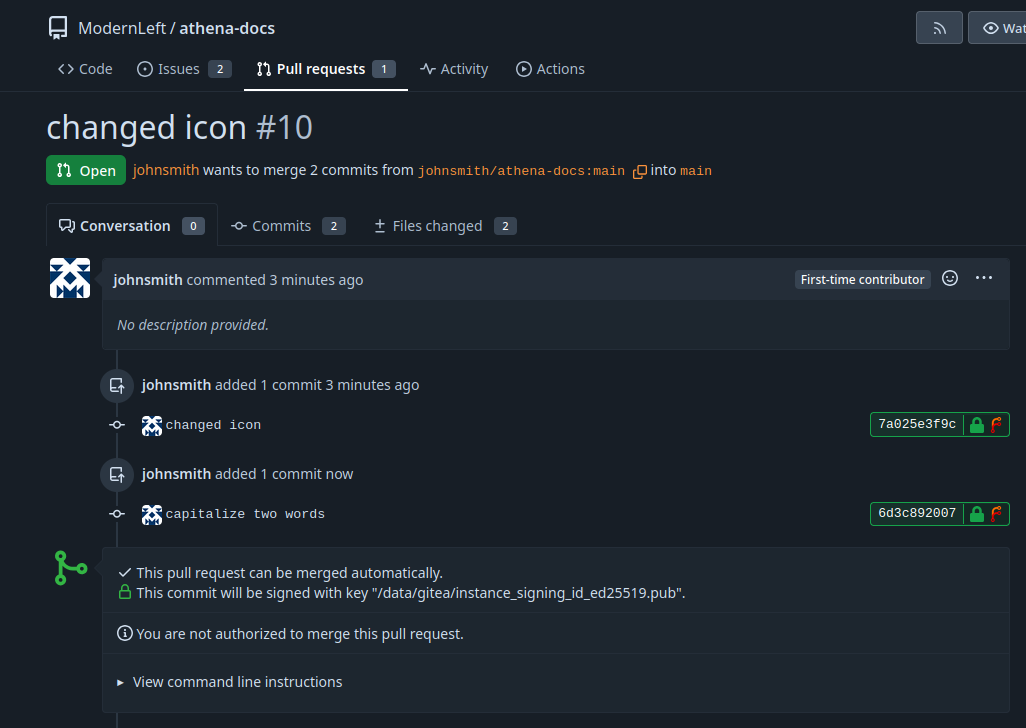
Improve these Docs
Anyone can suggest changes to these docs from the web. No git or command line needed. The whole process is below.
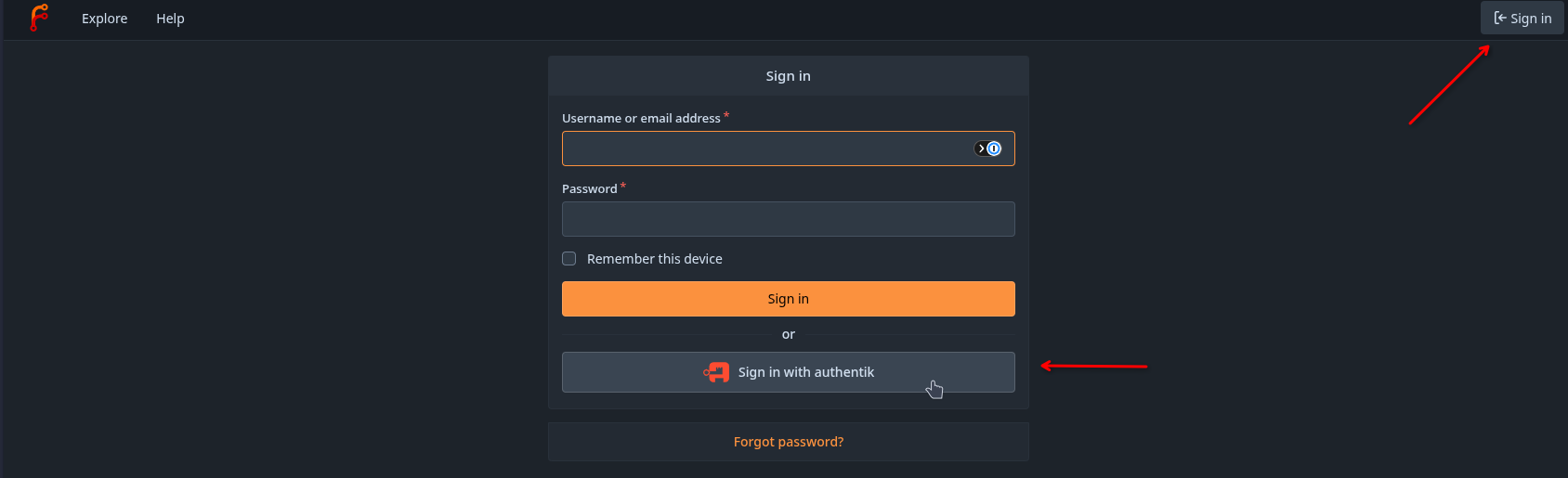
1. Sign in
Sign in to Forgejo using "Sign in with authentik".
2. Fork the repository
Open the athena-docs repository and click Fork.

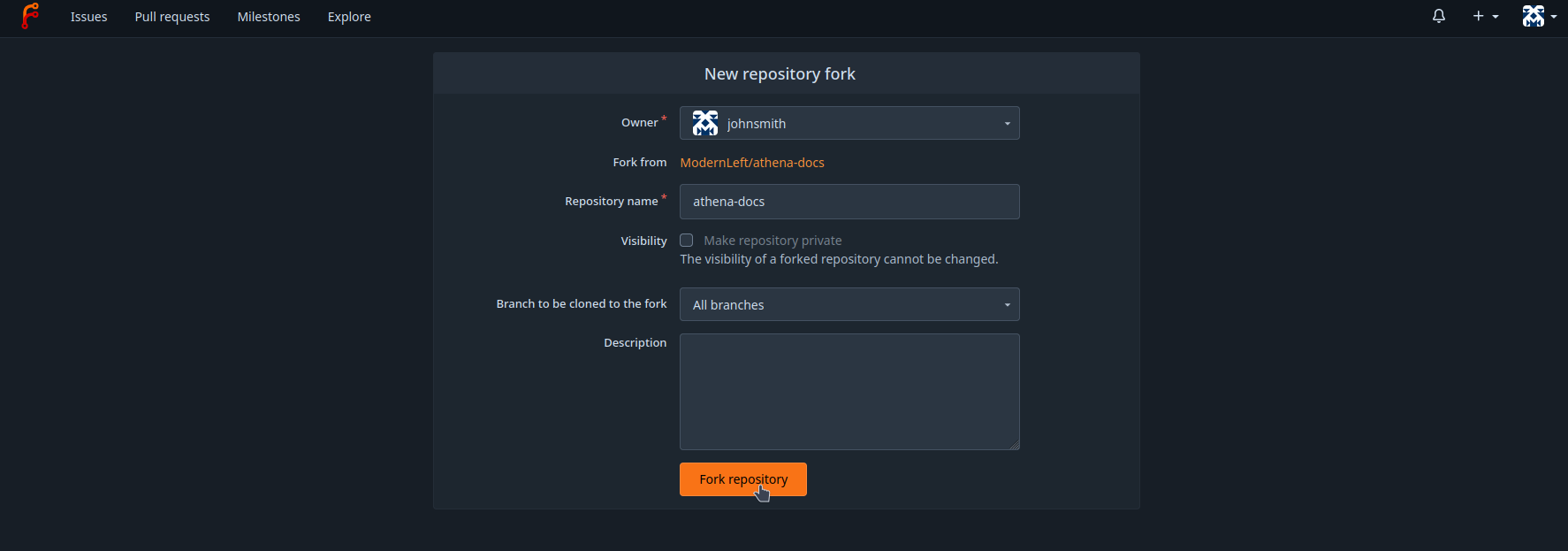
3. Create your fork
Leave the defaults and click Fork repository. You now have your own copy.
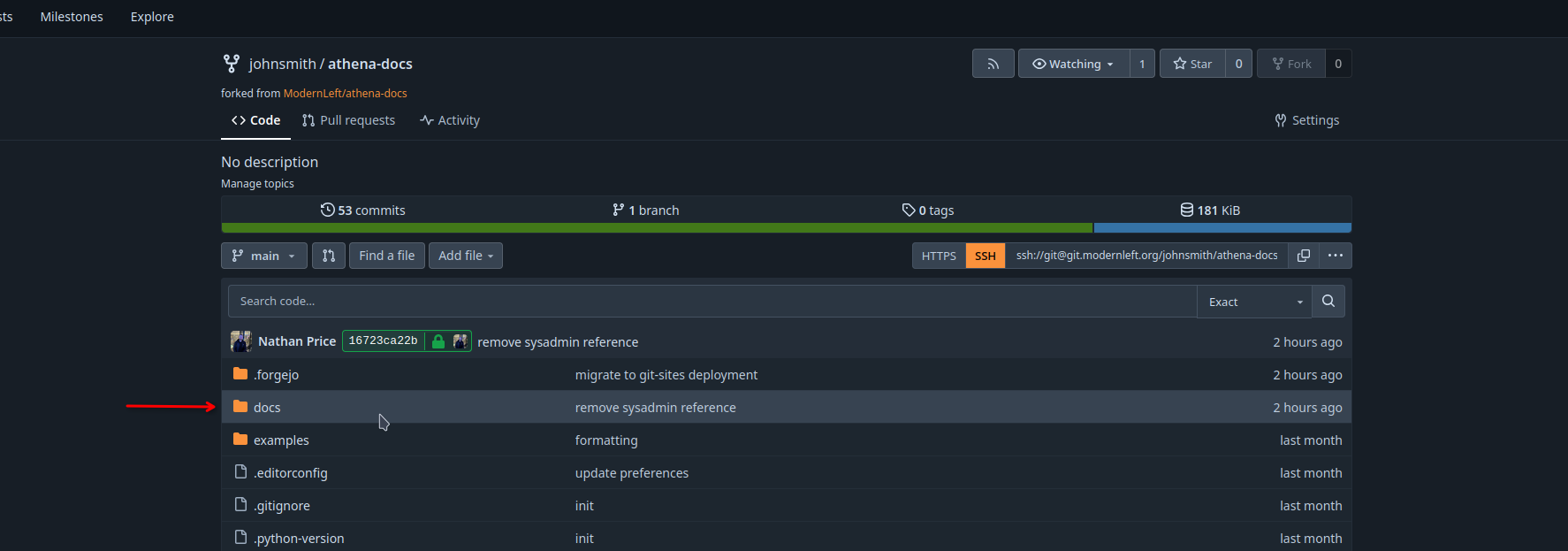
4. Open the docs folder
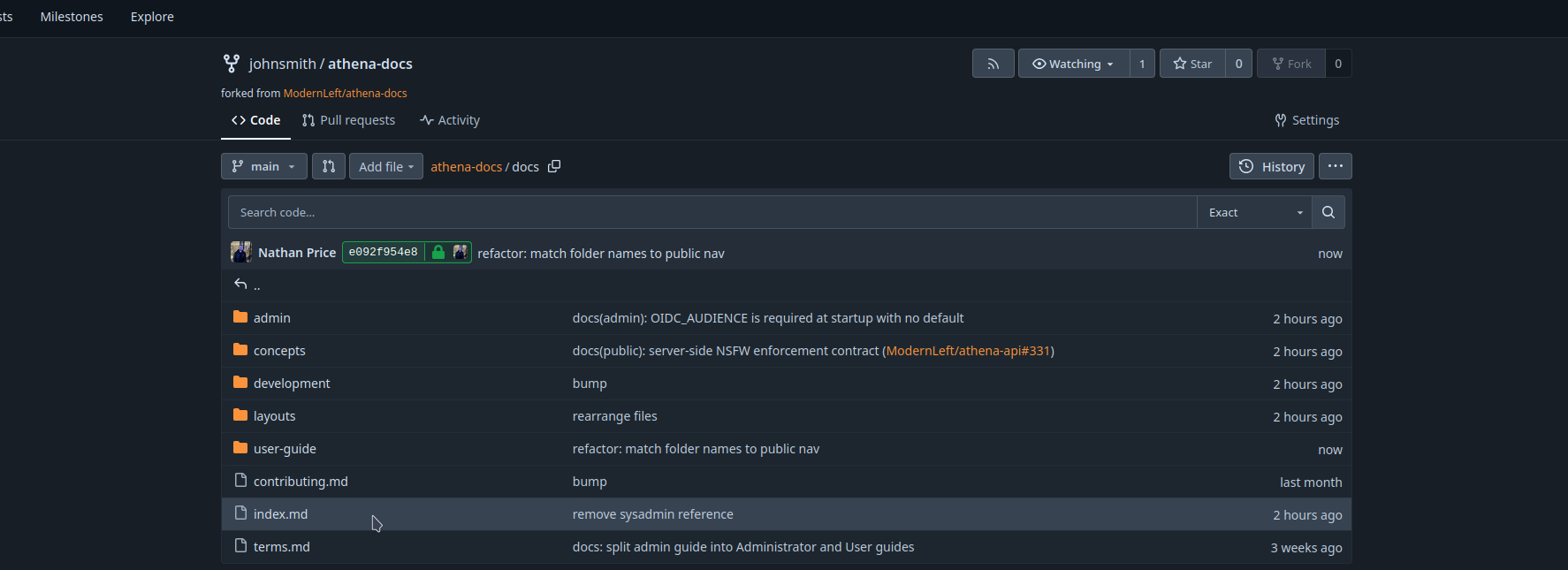
In your fork, open the docs folder.
5. Find the page
Browse to the .md file you want to change. The file structure is roughly the same as the actual navigation.
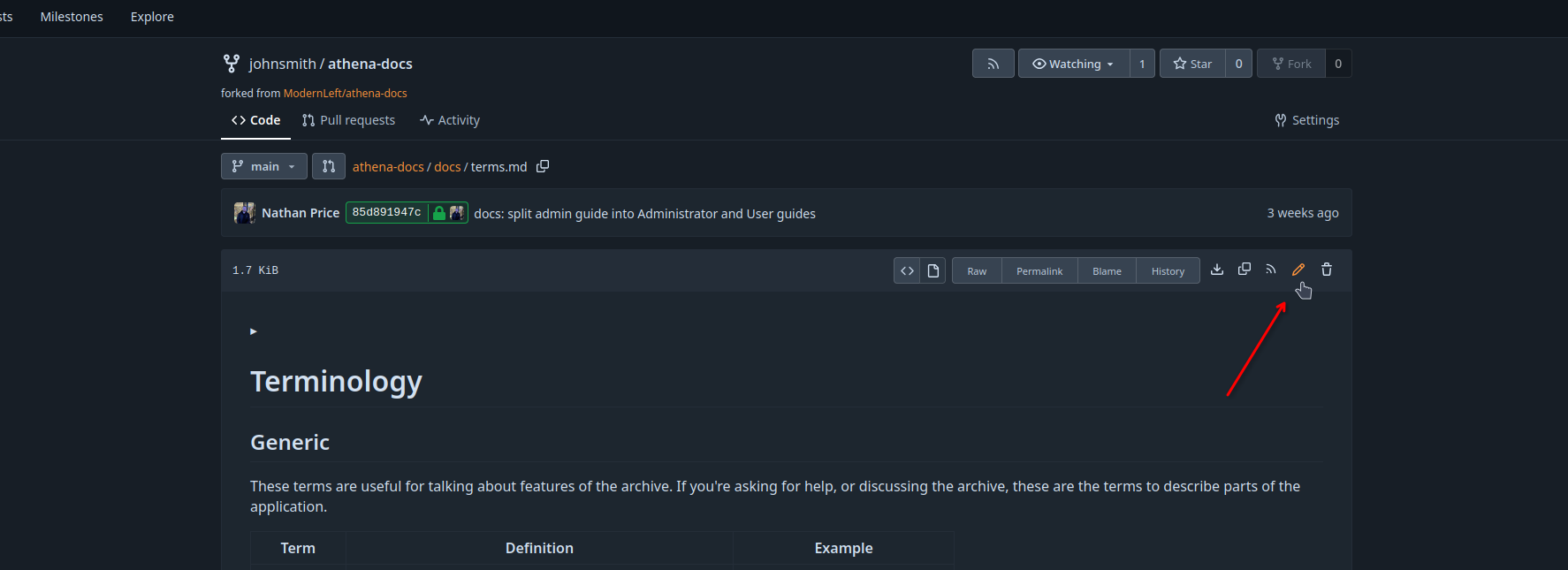
6. Edit it
Click the pencil icon to edit the file.
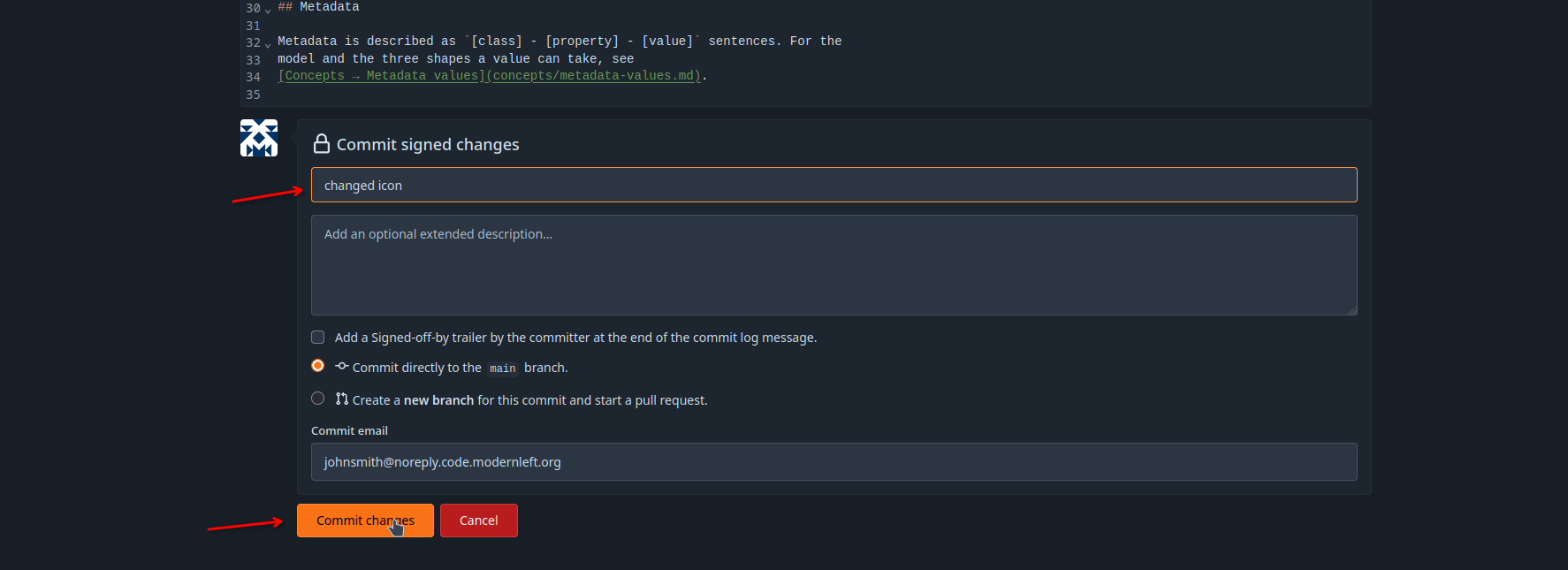
7. Commit your change
Make your edits, then scroll down, write a short message describing the change, and click Commit changes.
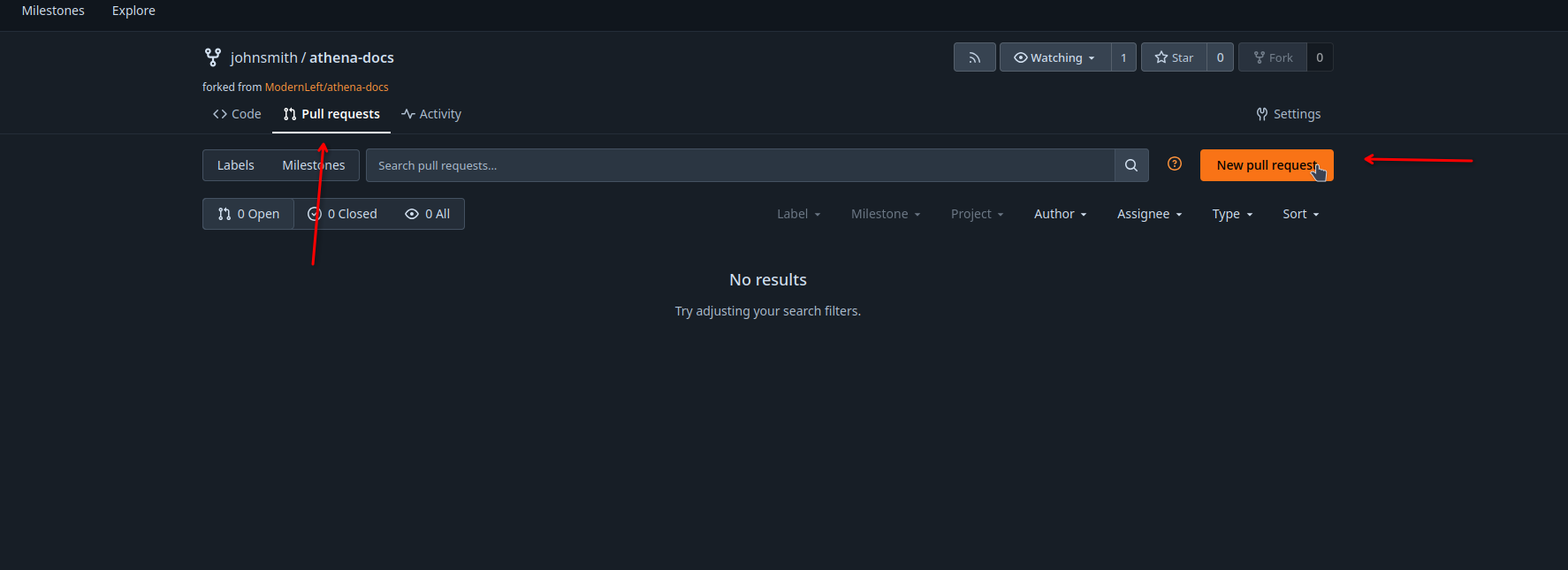
8. Start a pull request
Go to Pull requests and click New pull request.
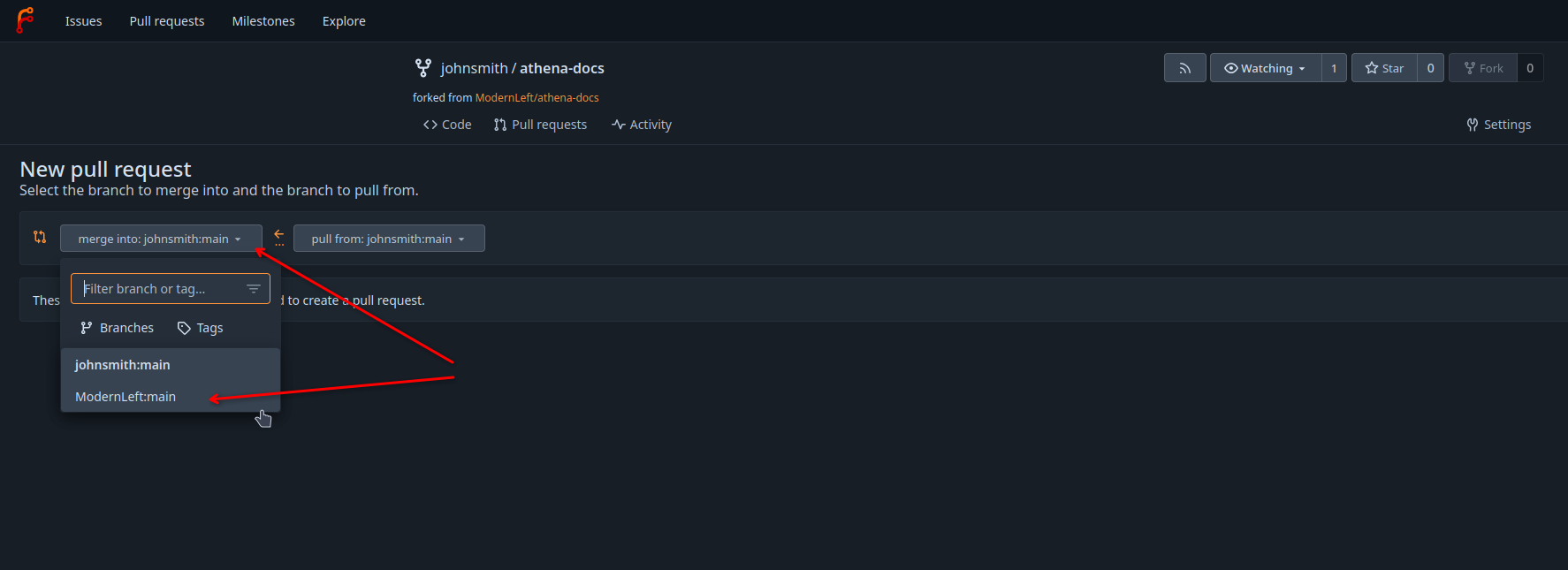
9. Point it at the original repo
Set merge into to ModernLeft:main. Leave pull from on your own fork.
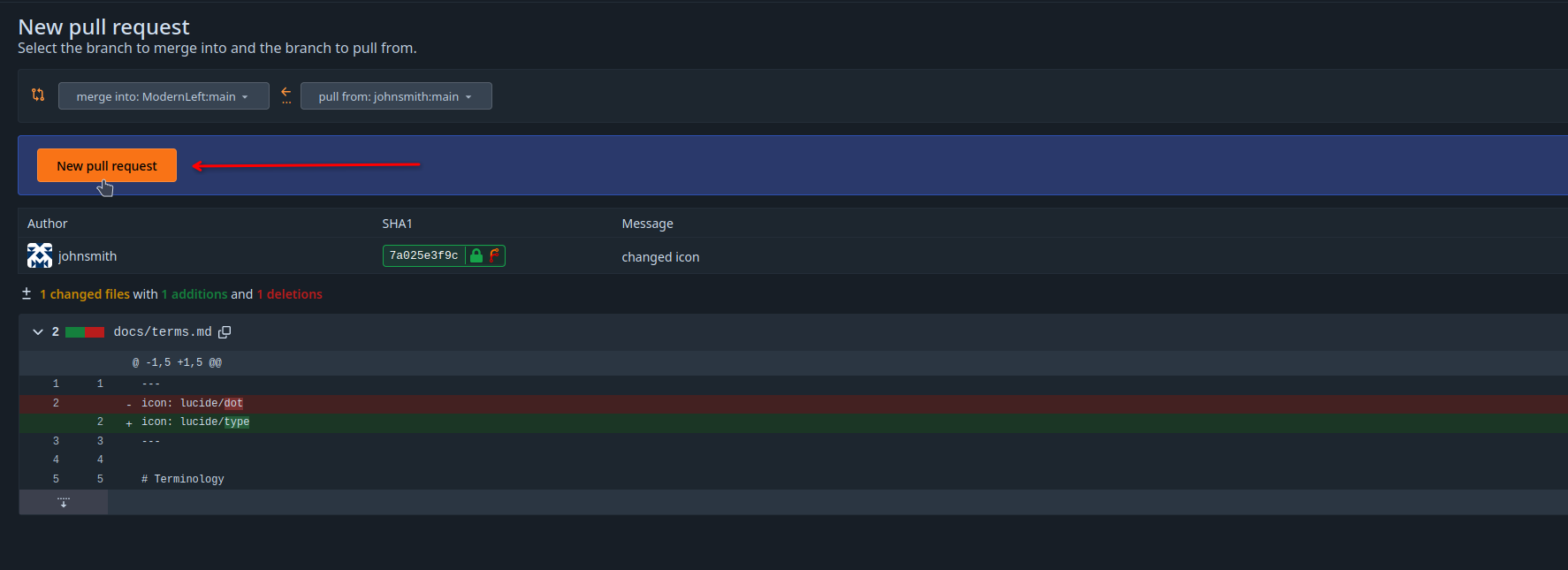
10. Review
Check the diff shows your change, then click New pull request.
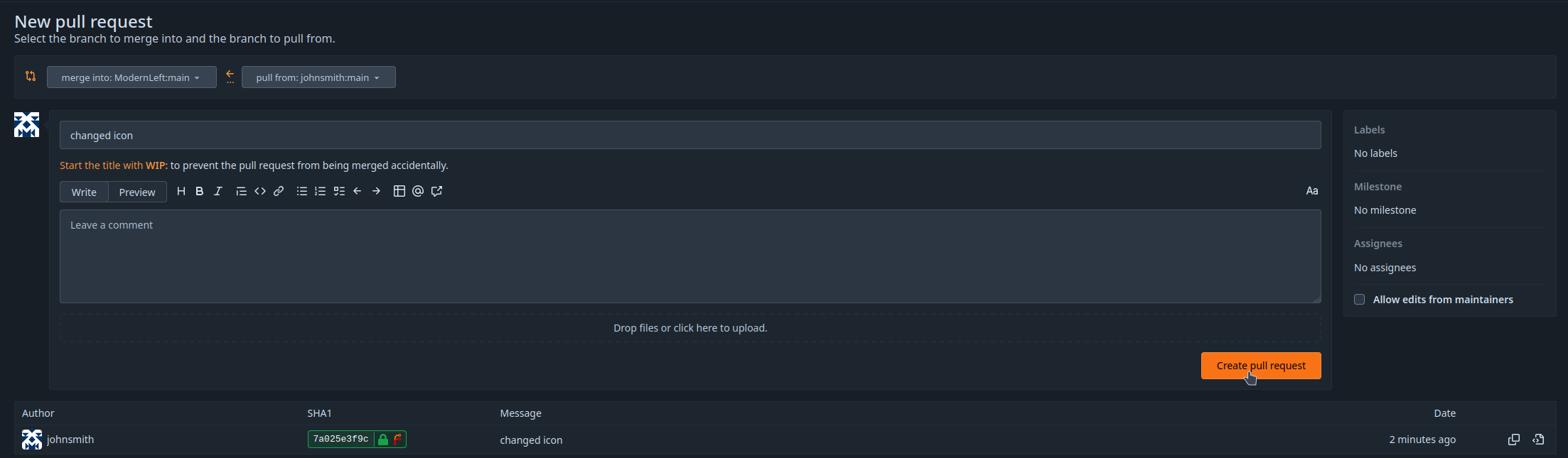
11. Describe and create
Give it a title and a short description, then click Create pull request. Done.
Making more changes
Your pull request stays linked to your fork, so any new commits you make are added to it automatically.
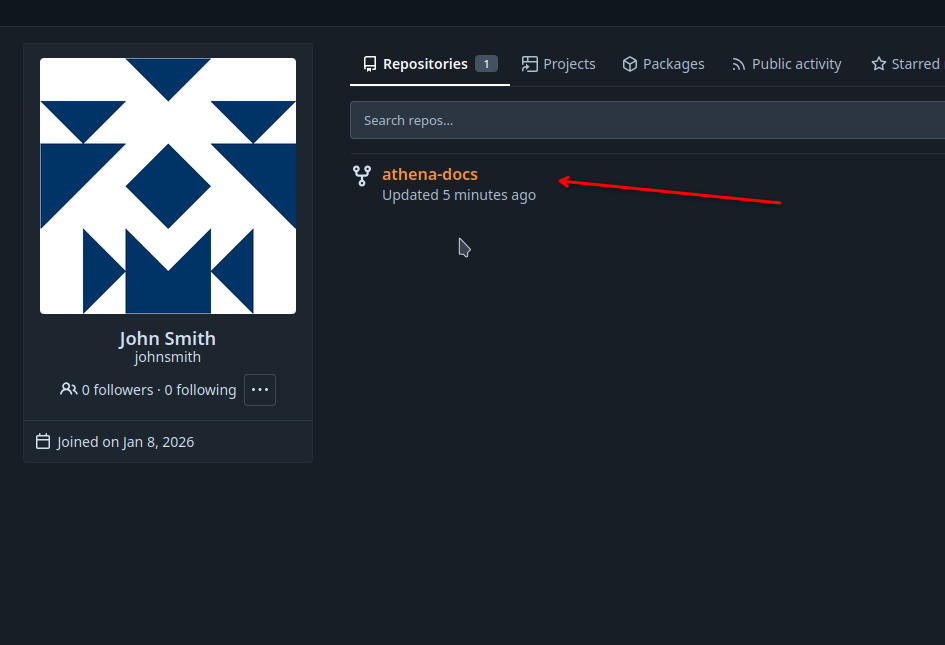
To find your fork again, open your avatar menu and click Profile.
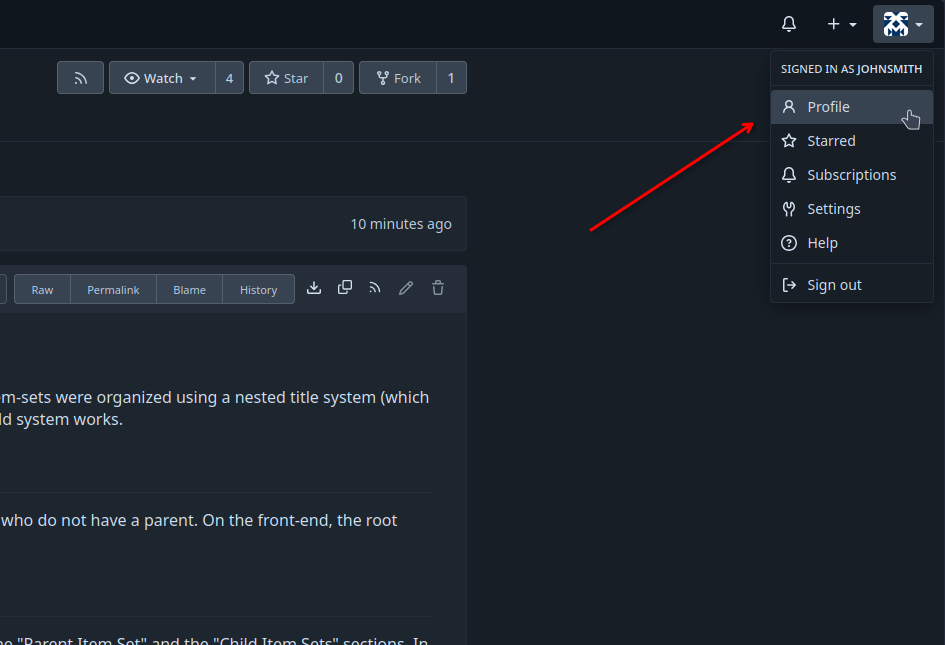
Open your athena-docs fork.
Commit another change the same way (steps 5 to 7). It appears on the open pull request automatically.