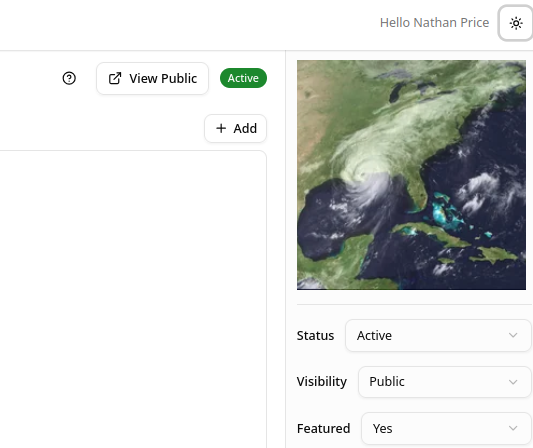
Item Set Thumbnails
An Item Set can be given a thumbnail so it has a representative image, for example on the public Collections page. The thumbnail is just a Media object, linked to the Item Set by its ID.
1. Create the thumbnail Media
First, create the image as a Media object (see Creating Media). Give it:
- a descriptive title, such as "Collection Thumbnail - Economy"
- "Public" visibility
- the
dctype:Imageclassification
2. Note the Media ID
Open the Media object's detail page. Its ID is shown next to the "Media" heading at the top, boxed below.

3. Set the Thumbnail ID on the Item Set
Edit the Item Set you want the thumbnail on. In the right sidebar, find the Thumbnail ID field and enter the Media ID from the previous step.

4. Save
Save the Item Set. The thumbnail now appears in the sidebar, and represents the collection wherever it is shown.